

What is the best way to boost home WiFi speed?
The most effective ways to boost home WiFi speed include placing your router in a central, elevated location, switching to the 5GHz or 6GHz frequency bands to avoid congestion, and performing regular firmware updates. For a foundational speed increase, upgrading to a high-capacity connection: such as Rodeo Internet’s 1Gbps Fixed Wireless or Residential Fiber: provides the bandwidth necessary to support multiple high-demand devices simultaneously.
We’ve all been there: you’re right in the middle of a crucial Zoom call for work, or maybe you’re about to win a high-stakes match in your favorite online game, and suddenly: the spinning wheel of death appears. Buffering. Lag. Frustration.
While it’s easy to blame the "internet," the culprit is often your home WiFi setup. Even the fastest connection can be slowed down by a poorly placed router or outdated settings. At Rodeo Networks, we want you to have the best experience possible, whether you're in downtown Clarkston or out in the rural beauty of Anatone.
Here are five expert tips to get your home network running at peak performance, plus a look at how bundling with Rodeo Mobile can transform your digital life.
1. Master the Art of Router Placement
Believe it or not, your router is a bit of a diva. It doesn’t like being tucked away in a closet or hidden behind the TV. WiFi signals are radio waves, and they struggle to pass through solid objects like brick, metal, and thick wood.
The Golden Rules of Placement:
- Be Central: Place the router in the middle of your home. If it’s in a far corner, half of your signal is literally being sent outside to the squirrels.
- Get Elevated: Signals tend to travel downward and outward. Placing your router on a high shelf or mounting it on a wall helps it clear furniture obstacles.
- Avoid Interference: Keep it away from microwaves, cordless phones, and baby monitors. These devices often operate on the same frequencies and can drown out your WiFi signal.
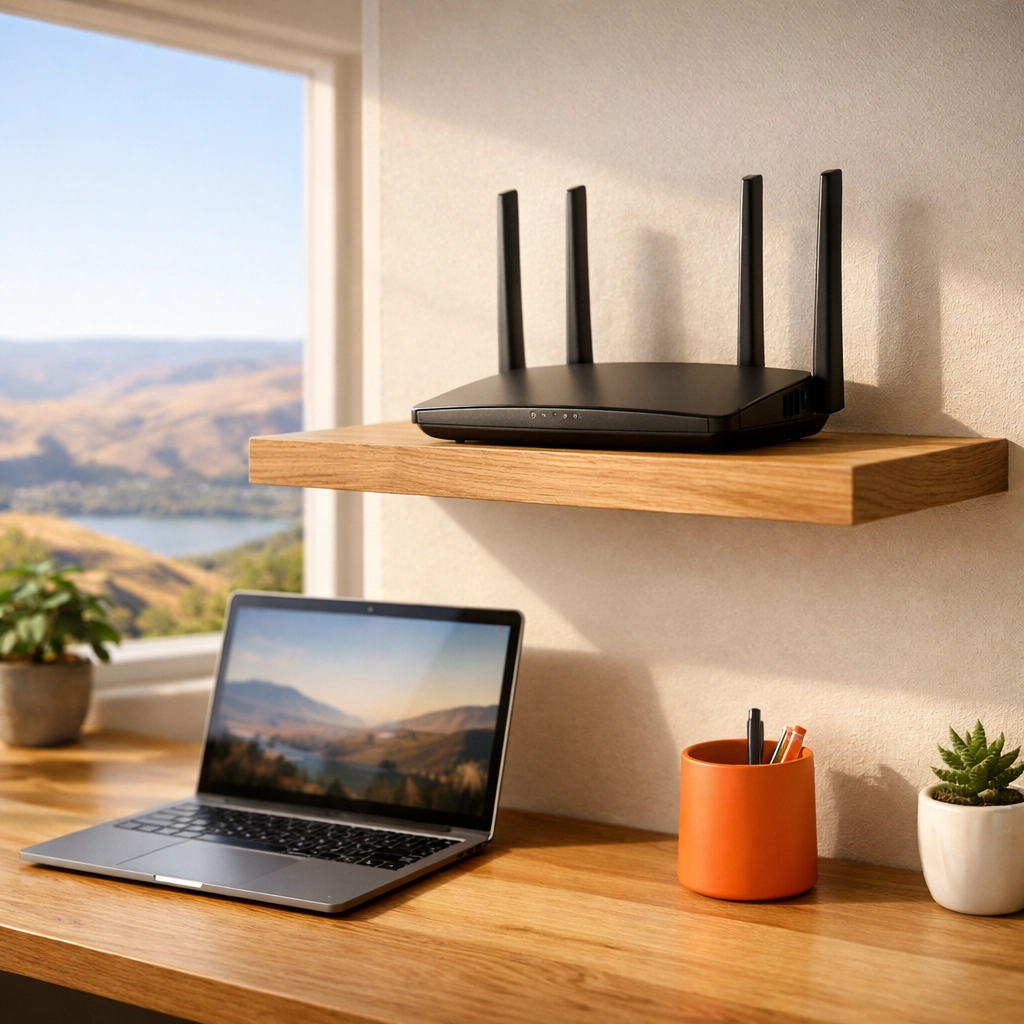
A photorealistic modern home office setup with a high-speed router placed prominently on an elevated wooden shelf, showing a clean, high-tech workspace.
2. The Magic of the "Power Cycle"
"Have you tried turning it off and back on again?" It’s the ultimate IT cliché for a reason: it works! Your router is essentially a small computer. Over time, its memory can get cluttered with temporary data and "handshake" errors from dozens of connected devices.
Unplugging your router and modem for about 30 seconds allows the hardware to cool down and clears the cache. When it reboots, it often selects a cleaner channel and re-establishes fresh connections with your devices. We recommend doing this once a month to keep things snappy.
3. Switch to the 5GHz (or 6GHz) Band
Most modern routers are "dual-band," meaning they broadcast on two different frequencies: 2.4GHz and 5GHz.
- 2.4GHz: This is the old-school frequency. It has a long range and can pass through walls easily, but it’s slow and very crowded.
- 5GHz: This is much faster and less congested. If you are in the same room as your router or just one wall away, always use 5GHz.
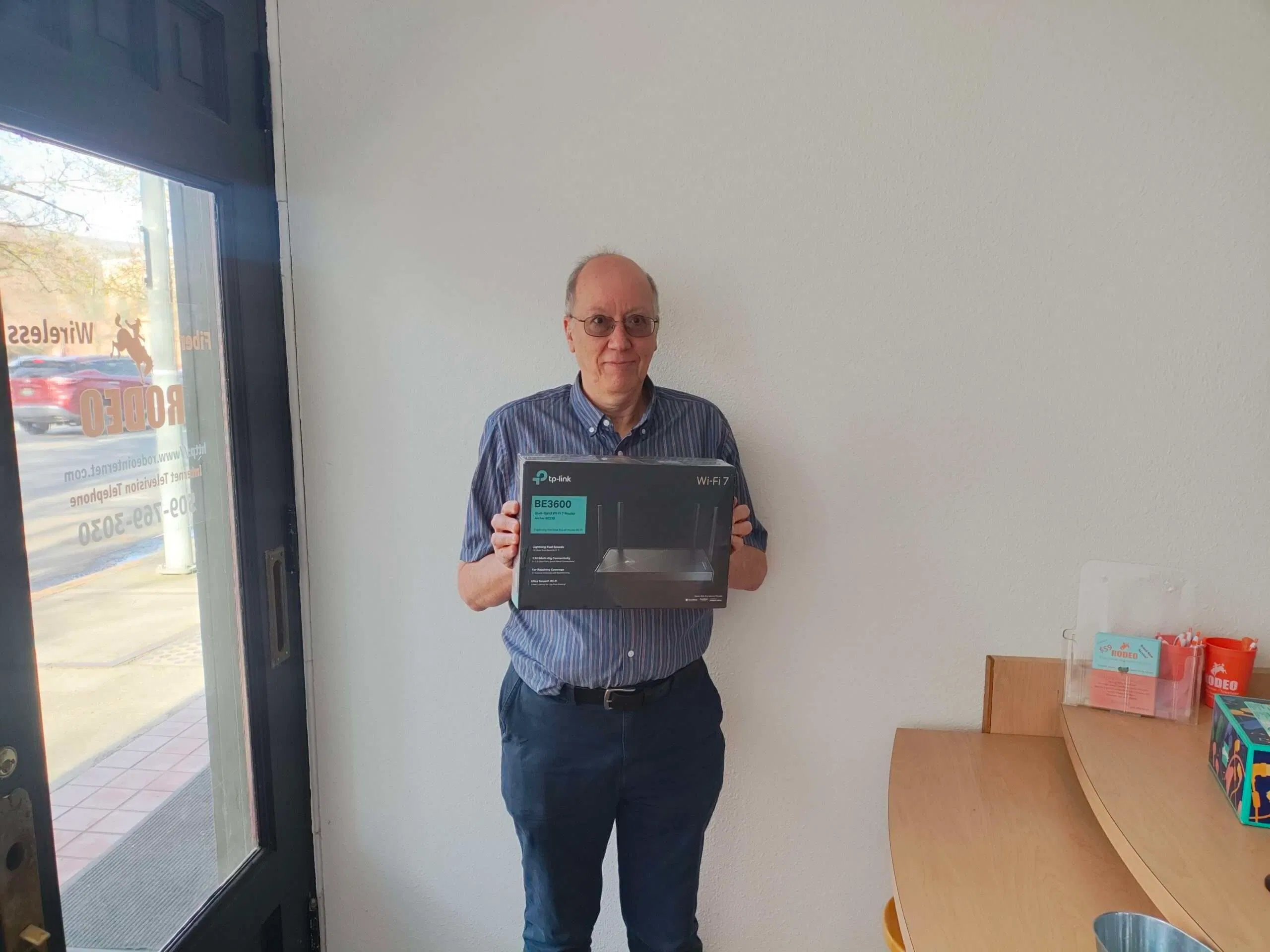
- 6GHz (WiFi 6E/7): If you have the latest gear, like the TP-Link BE3600 we offer at our Lewiston office, you can tap into the 6GHz band, which is like having a private highway all to yourself.
https://cdn.marblism.com/m3b59CUtFQu.webp
A Rodeo Networks customer inside the Lewiston office holding a new TP-Link BE3600 Wi-Fi 7 router box.
4. Keep Your Firmware Updated
Hackers are constantly finding new vulnerabilities, and manufacturers are constantly fixing them. Beyond security, firmware updates often include performance tweaks that help your router handle data more efficiently. Most modern routers allow you to turn on "Auto-Update" in their settings: make sure that box is checked!
5. Check Your "Source" (The ISP Factor)
You can have the best router in the world, but if your internet provider is delivering a weak signal to your house, your WiFi will still feel slow. This is where your choice of ISP matters. In the Lewiston-Clarkston Valley, we see a lot of people struggling with old-fashioned cable or satellite internet that lags during peak hours.
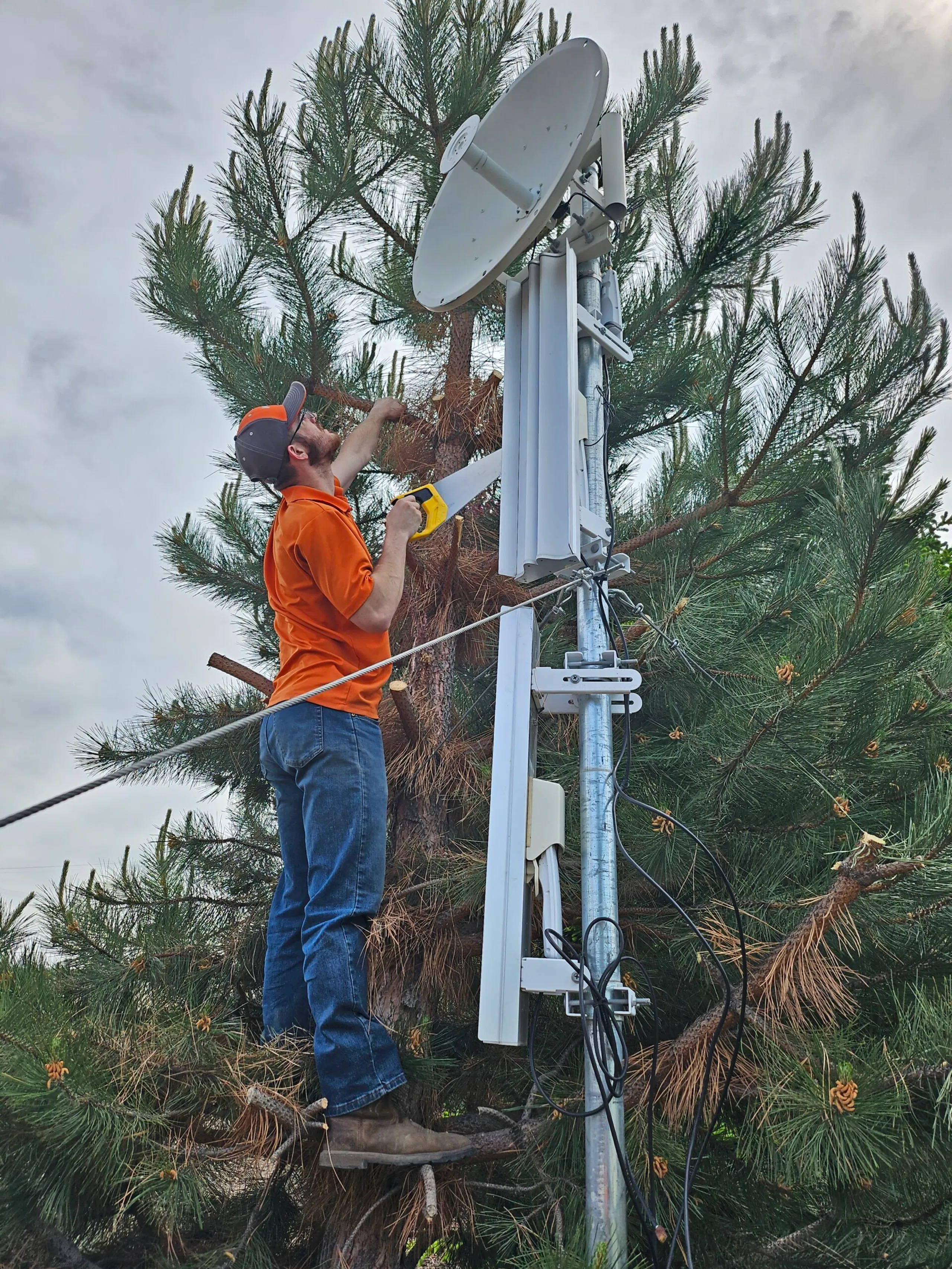
At Rodeo Internet, we do things differently. We offer Fixed Point Wireless (FPW) that can reach speeds up to 1Gbps. Unlike satellite, which has to send data to space and back (causing huge lag), our wireless signal travels from a local tower directly to a receiver on your home. It’s fast, reliable, and built for the Pacific Northwest.
https://cdn.marblism.com/0fMoxH33CYI.webp
A Rodeo Networks technician in safety gear trims tree branches to clear interference around a wireless internet receiver to ensure optimal signal strength.
How does Rodeo Mobile nationwide 5G work?
While great home WiFi is essential, your life doesn't stop at your front door. That’s why we launched Rodeo Mobile.
Rodeo Mobile operates as a Mobile Virtual Network Operator (MVNO) on the T-Mobile nationwide 5G network. This means you get the same massive coverage and blazing-fast 5G speeds as the big guys, but with the local, friendly service you’ve come to expect from Rodeo Networks.
When you switch to Rodeo Mobile, you keep your phone and your number, but you ditch the high prices and the "big corporate" headaches. Whether you're hiking near Asotin or shopping in downtown Lewiston, you’re connected to the fastest and most reliable 5G network in the country.
Why Bundle Your Internet with Rodeo Mobile?
Combining your home internet and your cellular service isn't just about having one less bill to worry about (though that’s a nice perk). It’s about creating a seamless digital ecosystem.
- Cost Savings: Bundling usually unlocks significant discounts that you won't get by keeping the services separate.
- Local Support: If you have a question about your phone or your home WiFi, you call one local number: 509-769-3030. You’ll talk to someone who actually knows where Lapwai or Ritzville is.
- Reliability: By using Rodeo for both, you’re trusting a company that is invested in the local infrastructure. We live here, we work here, and we want our community to have the best tech available.
Service Availability at a Glance
We are proud to serve a wide variety of urban and rural areas. Here is a quick breakdown of the services we provide in your neighborhood:
| Location | Residential Fiber | Business Fiber | Fixed Point Wireless (Up to 1Gbps) | Rodeo Mobile (5G) |
|---|---|---|---|---|
| Clarkston, WA | ✅ | ✅ | ✅ | ✅ |
| Ritzville, WA | ✅ | ✅ | ✅ | ✅ |
| Lewiston, ID | ❌ | ✅ | ✅ | ✅ |
| Asotin, WA | ❌ | ✅ | ✅ | ✅ |
| Lapwai, ID | ❌ | ✅ | ✅ | ✅ |
| Anatone, WA | ❌ | ✅ | ✅ | ✅ |
Note: In Lewiston, ID, we focus on high-capacity Business Fiber. Residential customers in Lewiston are best served by our high-speed Fixed Point Wireless.
https://cdn.marblism.com/ot45V-ek5dc.webp
A satellite view of the Lewiston-Clarkston valley and surrounding areas, highlighting the diverse regions served by Rodeo Networks.

Beyond Just "Internet"
At Rodeo Networks, we consider ourselves your local technology partners. We don't just drop a modem at your door and disappear. We offer a suite of services designed to make your home or business smarter and safer:
- Custom Network Builds: Do you have a large property or a shop that needs WiFi? We can design a custom solution to ensure you have coverage every inch of your land.
- Security Camera Setup: Protect what matters most. We can install and configure high-definition security cameras that you can monitor right from your smartphone.
- Community Spirit: We love our local community! From sponsoring events to our famous pet contests, we stay involved. You might even see some of our local stars like Samson or Gracie May featured on our site! You can even enter your own pet here.
Ready to Experience the Rodeo Difference?
If you’re tired of slow speeds and "big box" customer service, it’s time to join the Rodeo family. Whether you need to blast through a workday with our Business Fiber in Lewiston or want the best Residential Fiber in Clarkston, we have you covered.
Don't let bad WiFi hold you back. Use the tips above to optimize your current setup, and when you’re ready for a real upgrade, give us a call.
Contact Us Today:
- Website: www.rodeointernet.com
- Phone: 509-769-3030
- Visit Us: Check out our downtown Lewiston office in the historic H.C. Kettenbach building to see the latest gear in person!
Whether it's finding out the latest news or upgrading your mobile plan, we’re here to help you stay connected to what matters most. Let's get your home running at the speed of life!
No responses yet