
October 28, 2026
Why 5G Router Performance Varies (And How to Get the Most from Rodeo Stampede 5G)
Quick answer: Why do 5G routers perform differently?
Two 5G routers in the same house can deliver different speeds because they may support different modem capabilities, cellular bands, carrier aggregation, and antenna configurations. Even a capable router can be limited by the signal and network capacity at your location, or by the Wi-Fi or Ethernet connection between the router and your device. The router’s advertised maximum speed is a technical ceiling, not a promise of everyday performance.
What affects 5G router performance?
A 5G router’s speed is the result of several parts working together: the cellular network, the router’s modem and antennas, and the connection from the router to your phone, computer, or other device. A weakness in any one of those links can bring down the overall result.
1. How do modem class and carrier aggregation matter?
The modem is the router’s cellular connection. Its capabilities determine which network features it can use, including how many cellular channels it can combine through carrier aggregation. Combining available channels can increase capacity, but only when the network supports the right combination and those channels are usable where the router sits.
Labels such as LTE Cat 12, Cat 15, or a 5G modem model describe capabilities, not the speed you should expect at home. A higher category may support more features, but it cannot create network capacity that is not available nearby.
2. Why do supported 5G bands matter?
Routers must support the bands used by the network in a given area. Mid-band 5G, including bands such as n41 and n77, can provide substantial capacity where deployed. Low-band signals may reach farther or work better through obstacles, but generally offer less capacity.
If a router does not support a useful local band, or the network cannot use its supported bands together, it may connect through a slower option instead. Check device compatibility and local availability rather than choosing a router based on the words “5G” alone.
3. Does standalone or non-standalone 5G change performance?
It can. Non-standalone (NSA) 5G uses LTE as an anchor alongside 5G, while standalone (SA) connects through a 5G core. SA can enable better efficiency or lower latency in the right network, but it is not automatically faster everywhere. The network must offer SA, and the router must support the relevant bands and configurations.
4. How much do antennas affect the connection?
Antenna design and placement influence how effectively a router receives and transmits a signal. Internal antennas, external antenna ports, and the router’s MIMO configuration all affect what it can do under real-world conditions. MIMO allows multiple radio paths to carry data, but the benefit depends on the signal, network, and router design.
In a weak-signal location, an external antenna may help. It is not a guaranteed fix, though: antenna compatibility, direction, cable loss, and the surrounding environment all matter. We’ll explore antenna choices and placement in more detail in our next Rodeo Stampede 5G article.

Why can the same 5G router be faster in one place than another?
A router that performs well in one home may be slower in another, even on the same plan. Distance from a cell site, terrain, trees, walls, and building materials can all affect signal quality. Network congestion matters, too: cellular capacity is shared, so performance may change when more people are using the same site.
Weather can have some effect on radio conditions, but everyday 5G home internet performance is not dependent on a precisely aimed satellite dish with a clear view of the sky. That can make 5G a practical alternative for homes, cabins, RVs, boats, and business backup. Subject to coverage and plan terms.
Can Wi-Fi make a fast 5G connection seem slow?
Yes. The cellular link delivers internet to the router; your device then connects over Wi-Fi or Ethernet. Older Wi-Fi, a crowded wireless channel, distance from the router, thick walls, or an older client device can bottleneck that final connection. A 100 Mbps Ethernet port can also cap a faster connection at that port’s limit.
To troubleshoot, test near the router and, if possible, connect a computer by Ethernet. If the wired result is much faster than Wi-Fi, focus on Wi-Fi coverage or the client device. If both are slow, the cellular signal, network capacity, router placement, or plan may be the limiting factor.

Why is my 5G slow, and what should I test first?
Why can a 5G router show slower speeds than its advertised maximum? The advertised maximum describes what the modem may achieve under specific conditions, not a typical result at every address. Your router can only use the bands and capacity available at its location, and signal quality, congestion, and carrier aggregation affect the connection. Then Wi-Fi, Ethernet ports, and the device you use for the speed test can limit what you see. For a clearer picture, test at different times, compare Wi-Fi with Ethernet, and try moving the router near a window.
For planning, real-world results on good mid-band 5G are commonly discussed in the 100–400 Mbps download range, but that is a general range, not a Rodeo speed guarantee. Results vary with location, signal, network conditions, equipment, and plan. Upload speeds can also differ from download speeds.
Can 5G router speeds rival fiber or beat satellite?
In strong-coverage areas, some 5G routers can reach peak speeds multiple times higher than the real-world performance many satellite customers experience, and can rival some fiber services. Those are potential results, not a promise: fiber remains a strong option where available, and actual 5G performance depends on local conditions.
Rodeo Stampede 5G gives customers another nationwide connectivity option, with router and hotspot choices, unlimited 5G/4G-LTE bandwidth on the base plan, and month-to-month or subscriber-agreement plans. Some plans also include use in Canada and Mexico. Compared with satellite, compatible 5G equipment can be less expensive, and the service can deliver substantial bandwidth without relying on a satellite dish’s view of the sky. The right choice depends on coverage, plan details, equipment, and your needs.
How can I get the most from Rodeo Stampede 5G?
- Match equipment to the job. A home router, portable hotspot, and travel setup are designed for different needs.
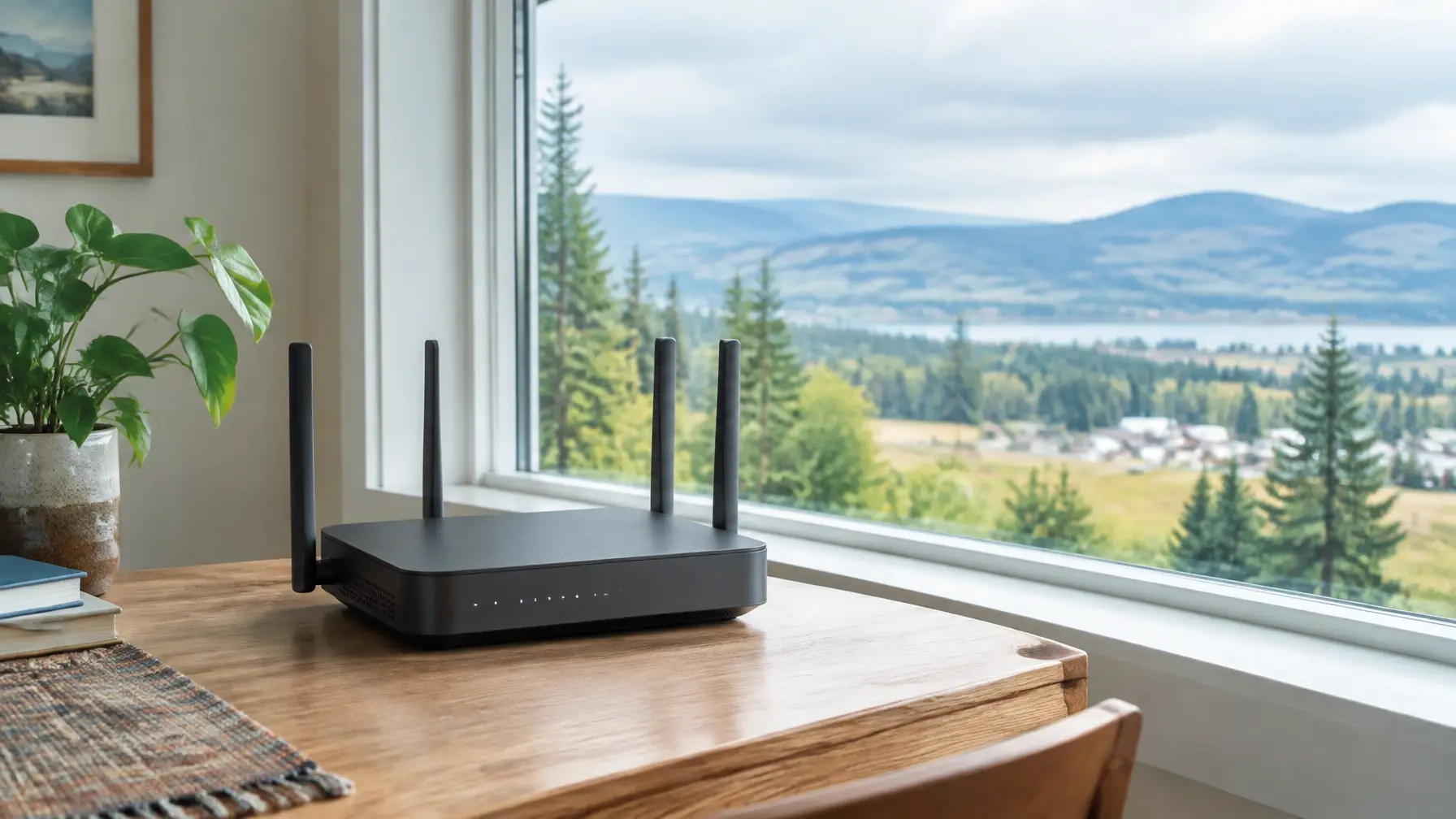
- Place the router thoughtfully. Try a window or an elevated location, then test more than once.
- Check the local cellular link first. Compare a wired test with a Wi-Fi test where possible.
- Consider an external antenna if signal is weak. Confirm that the antenna and router are compatible before investing.
- Check current options and coverage details. Plans, device availability, and terms can vary.
Rodeo Stampede 5G is designed for more than one kind of connection: primary home internet, RV travel, boats, cabins, and business backup. Visit Rodeo Stampede 5G for current information, or call 509-769-3030 to talk with our team. Rodeo is a locally grown Pacific Northwest provider; learn more about Rodeo Internet.
Frequently asked questions about 5G router performance
Why is my friend’s 5G router faster than mine?
They may be closer to a cell site, have better signal conditions, or use a router that supports the bands and carrier aggregation available in their area. Building materials, congestion, router placement, and Wi-Fi devices can also make results differ, even when the plans or router models seem similar.
Does Wi-Fi 7 matter for 5G home internet?
Wi-Fi 7 can improve the local wireless connection when the router and client devices support it. But it will not make the cellular connection itself faster. If 5G is the bottleneck, upgrading Wi-Fi alone may not change your internet speed.
Will a router upgrade improve reception indoors?
It might, especially if the new device supports more relevant bands or has a stronger antenna design. But a new router cannot guarantee better reception: location, building materials, network conditions, and compatibility all matter. Test placement and confirm device capabilities before upgrading.
Is Rodeo Stampede 5G available nationwide?
Rodeo Stampede 5G is a nationwide service, but performance, available devices, plan options, and roaming features vary. Some plans include Canada and Mexico. Check the current details at rodeointernet.com/5G or call 509-769-3030.
Ready to explore Rodeo Stampede 5G? Visit rodeointernet.com/5G or call 509-769-3030. Performance varies by location, signal, network congestion, device, and other conditions. Coverage, equipment, plan availability, terms, and conditions apply.
SEO publishing metadata (for CMS; do not display in article)
- Focus keyphrase: 5G router performance
- SEO title: Why 5G Router Performance Varies | Rodeo Stampede 5G
- Slug: why-5g-router-performance-varies
- Meta description: Learn why 5G router performance varies by modem, bands, antennas, signal, and Wi-Fi, and how to get more from Rodeo Stampede 5G.